


TL;DR:
- Amazon ECS simplifies container orchestration by managing cluster, health checks, and scaling automatically.
- Effective ECS deployment relies on proper configuration of health checks, scaling policies, and networking modes.
- Consistent success with ECS requires intentional design aligned with production requirements and scaling needs.
Container orchestration carries a reputation for complexity that many DevOps teams find intimidating. The assumption is that scaling containers in AWS demands deep Kubernetes expertise, expensive tooling, and weeks of configuration. Amazon ECS (Elastic Container Service) breaks that assumption. It is AWS’s own managed container orchestration layer, designed to reduce operational overhead while giving engineering leaders precise control over deployments, scaling, and cost. This guide walks you through ECS core concepts, CI/CD pipeline integration, scaling best practices, and the networking challenges that trip up even experienced teams, so you can make ECS work in production from day one.
Table of Contents
- What is ECS? Core concepts for DevOps leaders
- How ECS integrates with AWS DevOps pipelines
- ECS best practices for scaling and cost optimization
- Solving networking, reliability, and rollout challenges
- Our take: Why DevOps success with ECS requires intentional design
- Unlock your AWS DevOps potential with expert ECS support
- Frequently asked questions
Key Takeaways
Running this on your own AWS setup? IT-Magic is an AWS Advanced Tier Partner — we audit, fix, or fully manage it for you.
Get a free consultation| Point | Details |
|---|---|
| ECS simplifies DevOps | Amazon ECS automates container management, making DevOps workflows more efficient and reliable. |
| Scaling is streamlined | ECS auto scaling with proper metrics drives responsive, cost-effective infrastructure in AWS. |
| Networking is critical | Network mode selection and subnet planning are essential for reliability in large ECS deployments. |
| Intentional design wins | Success with ECS comes from proactively designed pipelines, not just using default AWS settings. |
What is ECS? Core concepts for DevOps leaders
Amazon ECS is a fully managed service that runs and scales containerized applications on AWS infrastructure. Instead of provisioning your own orchestration layer, ECS handles cluster management, task scheduling, and service availability, so your team focuses on the application, not the plumbing.
Four components form the backbone of every ECS setup:
- Cluster: The logical grouping of compute resources, either EC2 instances or AWS Fargate, where your containers run.
- Task definition: A blueprint that defines one or more containers, including image, CPU, memory, networking mode, and environment variables. Think of it as a container recipe.
- Task: A running instance of a task definition. One task can contain multiple containers that share resources.
- Service: The component that maintains a desired number of running tasks, restarts failed ones, and manages rolling deployments.
The service abstraction is where ECS earns its place in production. You declare how many tasks you want running, and ECS continuously reconciles actual state with desired state. This is the foundation of scaling ECS containers reliably across changing workloads.
As the Amazon ECS Best Practices Guide states, ECS service abstraction and auto scaling are foundational for managed scaling and cost optimization.
Here is how ECS compares to building your own container orchestration setup:
| Capability | ECS (managed) | DIY orchestration |
|---|---|---|
| Cluster management | Fully managed by AWS | Manual setup and patching |
| Health checks and restarts | Built-in via service | Custom scripts required |
| IAM integration | Native | Requires third-party tooling |
| Scaling | Application Auto Scaling | Manual or custom autoscalers |
| Operational overhead | Low | High |
For most AWS-native workloads, ECS removes a significant layer of infrastructure complexity. You get a production-grade orchestrator without managing the control plane yourself. That tradeoff matters when your engineering team’s time is better spent shipping features than patching etcd clusters.
How ECS integrates with AWS DevOps pipelines
ECS does not exist in isolation. Its real power shows when it connects to your CI/CD automation. Here is a typical deployment flow from code commit to running container:
- A developer pushes code to a repository, triggering AWS CodePipeline.
- CodeBuild compiles the application and builds a Docker image, then pushes it to Amazon ECR (Elastic Container Registry).
- CodeBuild generates an "imagedefinitions.json` file that maps container names to the new image URI.
- CodePipeline’s ECS deployment action reads that file, updates the task definition with the new image, and deploys a revised task definition revision to the ECS service.
- ECS performs a rolling update, starting new tasks and draining old ones while health checks confirm readiness.
CodePipeline ECS deployment actions deploy an ECS service using a task definition and image definitions mapping, which is what enables zero-downtime rollouts without custom deployment scripts.
This native integration is what separates ECS from rolling your own orchestration. DevOps automation workflows built on these AWS-native tools require far less glue code, and that means fewer failure points.
That said, two common pitfalls break this flow in practice:
Health check misconfiguration: If your ALB (Application Load Balancer) health check path does not match your container’s actual health endpoint, ECS will continuously drain and replace tasks, generating what engineers call “deployment churn.” New tasks start, fail health checks, get killed, and the cycle repeats.
Deployment configuration misalignment: ECS services have minimumHealthyPercent and maximumPercent settings that control how many tasks can be running simultaneously during a deploy. Set these incorrectly and you either block deployments or take your service offline mid-rollout.
Pro Tip: Always set your ALB health check grace period to at least 60 seconds for applications with slow startup times. This gives containers time to initialize before ECS marks them as unhealthy and terminates them.
Getting reliable ECS deployments consistently means treating your deployment configuration with the same care as your application code.

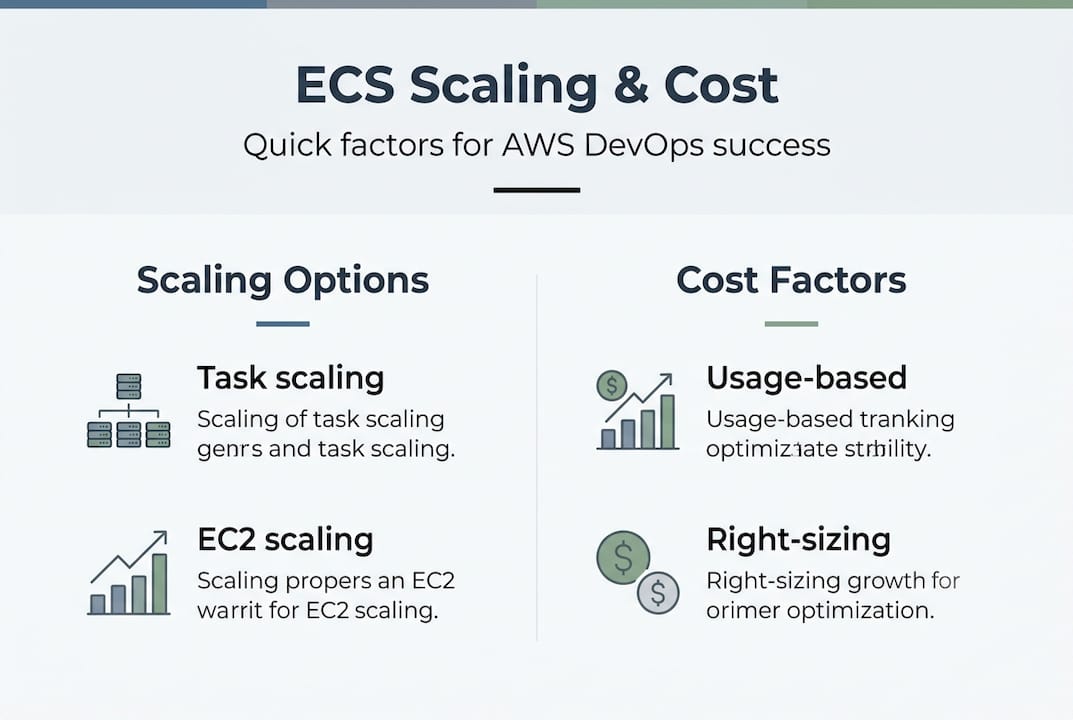
ECS best practices for scaling and cost optimization
Once ECS is integrated into your pipeline, scaling and cost control become the next engineering challenge. ECS uses Application Auto Scaling connected to CloudWatch metrics to add or remove tasks based on real demand.
ECS auto scaling and capacity management work best when the scaling metric is tied directly to demand signals, not just CPU utilization. A few options worth knowing:
- CPU utilization: Works for compute-bound workloads. Set target tracking at 60-70% to leave headroom.
- Memory utilization: Better for in-memory caching layers or JVM-based apps that balloon in memory before CPU spikes.
- SQS queue depth: Ideal for async worker patterns. Scale task count based on how many messages are waiting.
- Request count per target: Best for web-facing services where latency is the key SLA metric.
Comparing ECS scaling to traditional VM-based auto scaling reveals a major advantage:
| Scaling dimension | ECS tasks | EC2 instance scaling |
|---|---|---|
| Speed | 30-90 seconds | 3-8 minutes |
| Granularity | Single container | Full VM |
| Cost precision | Pay per task | Pay per instance |
| Rollback | Task revision rollback | AMI swap required |
For startups and growing teams, the granularity difference alone changes the cost equation. You do not pay for a full VM when you only need one more worker process. This is especially relevant when handling high-load scaling during traffic spikes without massively over-provisioning baseline capacity.
Three practical cost-saving moves that work well in production:
- Run baseline tasks on Fargate and burst capacity on Fargate Spot (up to 70% cheaper for interruption-tolerant workloads).
- Use scheduled scaling to pre-warm capacity before known traffic peaks instead of reacting after the spike hits.
- Right-size task CPU and memory definitions. Over-provisioned tasks waste money on every running instance.
Following scaling with ECS best practices from the start is far cheaper than correcting over-provisioned infrastructure six months into production.
Solving networking, reliability, and rollout challenges
Scaling ECS is one challenge. Keeping it reliable under real production load is another. Networking is where many experienced teams hit unexpected limits.
ECS supports three networking modes:
- bridge: Containers share the EC2 host’s network interface with port mapping. Simple but limited for microservices.
- host: Containers use the host’s network stack directly. High performance, but port conflicts become a real problem at scale.
- awsvpc: Each task gets its own elastic network interface (ENI) and a private IP address. This is the default for Fargate and the most secure option.
The Amazon ECS Best Practices Guide notes that task placement and IP capacity can become limiting factors under high task density, directly impacting your ability to start new tasks.
The awsvpc mode creates a real constraint at scale: each task consumes one ENI, and each EC2 instance has a hard limit on how many ENIs it can attach. In a subnet with limited IP space, you can hit a ceiling where ECS cannot start new tasks even though CPU and memory are available. The tasks simply cannot get an IP address.
Pro Tip: For high-density ECS clusters running in awsvpc mode, enable ENI trunking (also called “ec2 task networking”) to dramatically increase the number of tasks per instance, and use /24 or larger subnets dedicated to ECS workloads.
For reliable ECS scaling, a deployment readiness checklist matters:
- Health check path matches actual container endpoint
- Grace period covers startup time
minimumHealthyPercentis set appropriately for your SLA- Subnet IP space is sized for peak task count
- CloudWatch alarms are configured for task launch failures
- ECS deployment configuration is reviewed and aligned before any production rollout
Misaligned deployment configuration causes long-running deploys or continuous churn, and in production, that erodes both reliability and team confidence in the platform.
Our take: Why DevOps success with ECS requires intentional design
Here is an uncomfortable truth about ECS adoption: most teams that struggle with it are not using it wrong. They are using it with default settings that were never designed for their specific scale.
AWS defaults are reasonable starting points, not production blueprints. Default health check grace periods, default deployment percentages, and default subnet sizing all make sense for a demo environment. They break quietly in production as traffic grows.
In our experience across 700+ projects, the teams that get ECS right treat the initial rollout as an infrastructure design decision, not a configuration detail. They start by defining production requirements: expected task density, acceptable deployment downtime, target cost per transaction. Then they work backward to the ECS configuration.
The hidden payoff of doing this early is compounding. Get your networking mode right from the start, and you avoid a painful subnet migration six months later. Align your health checks before launch, and your deployments are reliable from day one. Good automation design in AWS is always intentional, never accidental.
For CTOs specifically: resist pressure to treat ECS setup as a developer task completed in a sprint. It is a core infrastructure refactor that shapes how your entire platform scales and operates.
Unlock your AWS DevOps potential with expert ECS support
If this guide surfaces questions about your current ECS setup or your path to production, that is exactly the right signal.

At IT-Magic, we have helped retail, fintech, and growth-stage companies move from fragile container setups to scalable, cost-optimized ECS environments. Our AWS infrastructure support covers everything from initial architecture design to ongoing operations, while our Kubernetes support gives you flexibility if your workloads outgrow ECS. See how we helped a major retailer cut container infrastructure costs significantly in our ECS cost reduction case study. Schedule a consultation to find out what intentional ECS design looks like for your team.
Frequently asked questions
What is the main benefit of using ECS in DevOps workflows?
ECS lets you automate, scale, and manage container deployments directly within AWS, integrating natively with CodePipeline and other CI/CD tools. The CodePipeline ECS action handles task definition updates and image mapping without custom scripting.
How does ECS help with cost optimization in AWS?
ECS auto scaling ties task count to real demand signals, so you pay for only the capacity you use. The ECS service abstraction enables precise capacity management that VM-based scaling cannot match at the same granularity.
What should I watch for when scaling ECS?
Monitor subnet IP availability, health check alignment, and deployment configuration settings. ECS networking and deployment misconfigurations are the leading cause of task launch failures and deployment churn at scale.
Can ECS replace Kubernetes for container orchestration in AWS?
For most AWS-native workloads, ECS covers the full orchestration lifecycle without the operational overhead of Kubernetes. Teams with multi-cloud requirements, custom scheduling needs, or complex service mesh configurations may still find Kubernetes the better fit.
Recommended
- ECS on AWS: Scale containers reliably in 2026
- DevOps in cloud: drive agility and 72% cost savings
- AWS DevOps explained: accelerate delivery and scale securely
- Build a robust DevOps automation workflow in AWS
Alexander founded IT-Magic, an AWS Advanced Tier Services Partner delivering DevOps, cloud architecture, and managed services since 2010. He holds:
- AWS Certified Solutions Architect – Professional
- AWS Certified DevOps Engineer – Professional
- AWS Certified Security – Specialty
- AWS Certified Advanced Networking – Specialty
Talk to a certified AWS team trusted by INTERTOP, Foxtrot, Pandora, and J.Hilburn.
Get a free consultation


